Remote Online Notarization
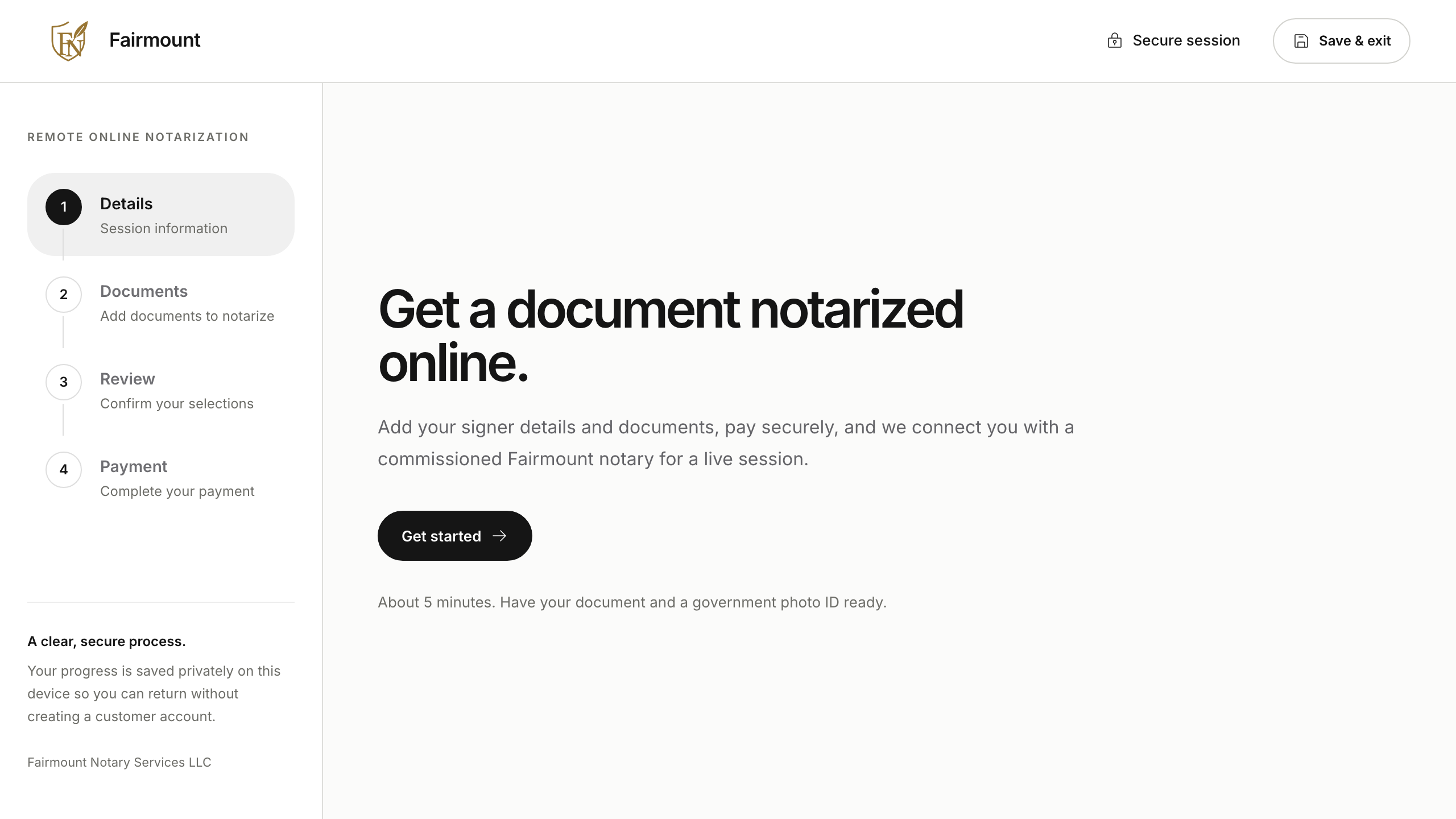
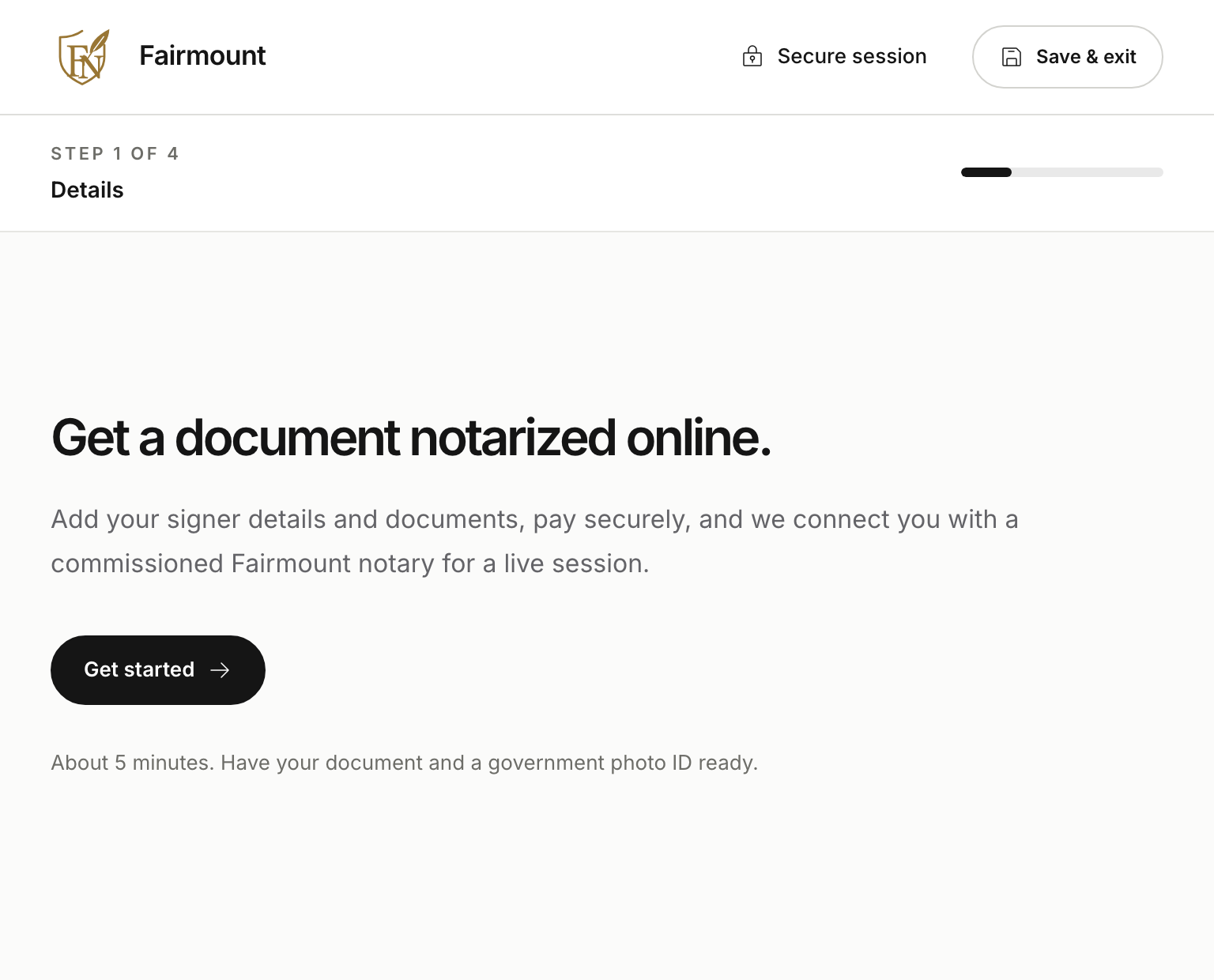
Get your documents notarized online with GoNotarize
Upload your documents, review your price, and meet with a commissioned notary from wherever you are.
No customer account required. Have your document and government ID ready.
How it works
A clear path from upload to live session.
- 01
Enter signer details
Tell us who is signing and where they are located.
- 02
Upload your document
Add the PDF you need notarized to your private intake.
- 03
Review your price and pay securely
See every charge before authorizing payment.
- 04
Join your notary online
Meet with a commissioned Fairmount notary in a live session.
Pricing
Straightforward pricing.
Remote online notarization starts at $25. This includes a $5 notarial act fee, $15 technology fee, and $5 administrative fee. Your exact quote appears before payment, and your card is charged after completion.
See your quote- Notarial Act Fee
- $5
- Additional signer
- $15 each
- Additional stamp or signature
- $5 each
- Witness used
- $10 each
FAQ
Before you begin.
What do I need before I start?
Have your document and a government photo ID ready. You will also need the name, email, phone number, and address for each signer.
Do I need to create an account?
No. Your intake is private and can be resumed on the same device without creating a customer account.
When am I charged?
Your card is authorized at checkout and charged after notarization. Additional signers, witnesses, and stamps are adjusted to the final total before you’re charged.
What happens after payment?
Your order is prepared and placed in the notary queue. When a Fairmount notary accepts, your secure session page will guide you into the live notarization.
Ready to begin?